
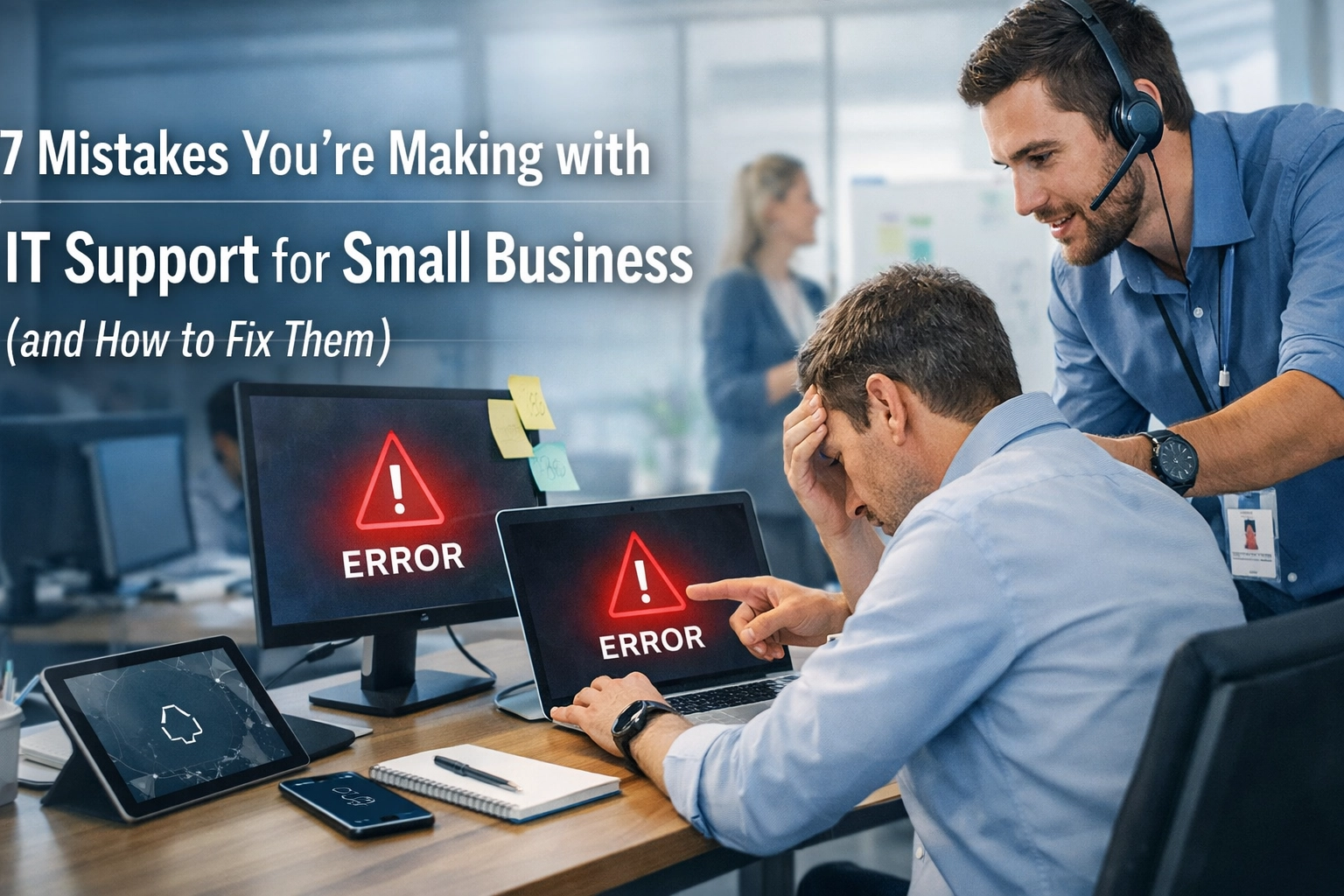
Your IT support should drive growth, not slow it down. Yet most UK SMEs are making critical mistakes that cost them time, money, and competitive advantage. If you're experiencing sluggish response times, unexpected IT bills, or security concerns that keep you up at night, you're not alone.
The good news? These mistakes are entirely fixable. Here's what you need to know.
Mistake 1: Accepting Slow Response Times as Normal
The Problem:
You've logged a ticket. Then you wait. An hour passes. Then two. Your team's productivity grinds to a halt whilst you're stuck wondering when someone will actually respond. Too many UK small businesses have accepted this as "just how IT support works."
It's not.
When your staff can't access critical systems or your operations are disrupted, every minute counts. Yet the industry average response time hovers around 15-30 minutes for "urgent" issues: and that's just the initial response, not the resolution.
The Fix:
Demand better. Professional IT support for small business should respond within minutes, not hours. At Anantek Solutions, our average response time is one minute. Not fifteen. Not five. One.
But response time is only half the equation. We also achieve a 60% first-touch resolution rate, meaning most issues are completely sorted on that initial contact. No back-and-forth, no waiting for escalations, no days of disruption.
Set clear response time expectations in your service level agreement (SLA) and hold your provider accountable. Your business deserves IT support that moves at the speed of modern commerce.

Mistake 2: Tolerating Hidden Costs and Budget Surprises
The Problem:
You signed up for what seemed like straightforward IT support, but the invoices tell a different story. Unexpected charges for "out of scope" work. Per-incident fees that weren't clearly explained. Project costs that balloon beyond initial estimates.
Hidden IT costs are particularly damaging for SMEs operating on tight margins. When you can't predict your technology spend, you can't plan for growth.
The Fix:
Transparency isn't optional: it's essential. Your IT support provider should offer tailored budgets that match your actual needs, not a one-size-fits-all package that forces you to pay for services you'll never use.
Before signing any agreement, ensure you understand:
- What's included in your monthly fee
- How additional work is priced
- Whether there are minimum call-out charges
- How projects are scoped and quoted
The right provider will work with you to create a predictable IT budget that aligns with your business goals. At Anantek, we believe in fixed, transparent pricing that lets you focus on running your business instead of decoding IT invoices.
Mistake 3: Treating Security as an Afterthought
The Problem:
Cybercriminals specifically target small businesses, assuming you have weaker defences than larger enterprises. They're often right. Many UK SMEs rely on basic antivirus software and hope for the best: a strategy that inevitably fails.
A single breach can cost tens of thousands in recovery expenses, regulatory fines, and lost customer trust. For small businesses, it can be existential.
The Fix:
Security must be comprehensive, not patchwork. You need 360-degree security that protects every potential entry point:
- Endpoint protection using advanced EDR (Endpoint Detection and Response) solutions, not just basic antivirus
- Email security tools like Microsoft Defender for Office 365 to block phishing attempts before they reach your team
- Network security with properly configured firewalls and intrusion detection
- Data encryption both at rest and in transit
- Multi-factor authentication (MFA) across all business systems
- Regular security audits to identify vulnerabilities before attackers do
Professional IT support services should include proactive threat monitoring, not just reactive fixes after something goes wrong. Your provider should be watching for threats 24/7, not waiting for you to report a problem.

Mistake 4: Settling for Purely Reactive Support
The Problem:
Most IT support operates on a break-fix model: something breaks, you call, they fix it. Rinse and repeat. This approach keeps you perpetually one step behind, dealing with problems instead of preventing them.
Reactive support means:
- Unexpected downtime that disrupts operations
- Lost productivity whilst waiting for fixes
- Emergency calls that always seem to happen at the worst possible moment
- Higher overall costs from repeated issues
The Fix:
Shift to proactive IT infrastructure management. The best providers actively monitor your systems, identify potential issues before they cause problems, and maintain your technology to prevent failures.
Proactive support includes:
- Real-time monitoring of servers, networks, and critical applications
- Automatic alerts when systems show warning signs
- Preventative maintenance scheduled during off-hours
- Performance optimization to keep systems running smoothly
- Capacity planning so you never run out of resources unexpectedly
This proactive approach is why we achieve that 60% first-touch resolution rate: we're often fixing potential problems before you even notice them. Learn more about our approach to IT infrastructure management.
Mistake 5: Running Outdated Hardware and Software
The Problem:
That server running Windows Server 2012? Those workstations from 2017? They're not just slow: they're security liabilities. Outdated systems lack critical security patches, can't run modern applications properly, and create compatibility nightmares.
Yet many small businesses squeeze extra years from aging technology, thinking they're saving money. In reality, you're accumulating technical debt that will eventually require emergency spending at the worst possible time.
The Fix:
Establish a technology refresh cycle:
- Replace business workstations every 4-5 years
- Upgrade servers every 5-7 years
- Refresh networking equipment every 3-5 years
Enable automatic updates for all software that supports it, including:
- Operating systems
- Web browsers
- Business applications
- Security tools
Use monitoring tools to track hardware health and identify failing components before they crash. Modern systems are more reliable, more secure, and actually cheaper to maintain than aging infrastructure held together with hope and duct tape.
Your IT support provider should maintain an asset register and proactively recommend upgrades before equipment fails, not after.

Mistake 6: Relying on Your "Tech-Savvy" Employee
The Problem:
Sarah from accounts "knows computers," so she's become your de facto IT person. She resets passwords, fixes printer jams, and somehow keeps everything running. Until she can't. Or until she leaves.
This approach creates multiple problems:
- No proper documentation or disaster recovery plan
- Security configurations managed by someone without security training
- Critical business systems dependent on one person's availability
- That person burning out from juggling two completely different jobs
The Fix:
IT support requires professional expertise, not just technical aptitude. Outsource to a managed IT services provider or hire dedicated IT staff.
Professional IT support brings:
- Documented processes and procedures
- Proper security implementation
- Strategic planning aligned with business goals
- Multiple experts with specialized knowledge
- Redundancy when someone is unavailable
Let Sarah focus on accounts. Let IT professionals handle your technology. Everyone will be more productive and less stressed.
Mistake 7: Skipping Cybersecurity Awareness Training
The Problem:
Your employees are your first line of defence: and often your weakest link. Sophisticated phishing emails, social engineering attacks, and credential theft attempts target your staff daily. Without proper training, even well-meaning employees can inadvertently compromise your entire business.
One clicked link. One downloaded attachment. That's all it takes.
The Fix:
Make cybersecurity awareness training mandatory for all staff, not just IT users. Effective training should:
- Run quarterly, not annually (threats evolve rapidly)
- Include realistic phishing simulations
- Cover password security, social engineering, and data handling
- Be tailored to your specific industry and threats
- Track results and provide additional training where needed
Consider platforms like KnowBe4 or Cofense for structured training programs. Your IT support provider should include security awareness as part of their service, helping you implement and manage training programs.
The investment is minimal compared to the cost of a single successful attack.
Take Control of Your IT Support
These seven mistakes are costing UK small businesses thousands in lost productivity, security breaches, and emergency repairs. The solution isn't complicated: it's choosing the right IT support partner who understands small business needs and delivers professional, proactive service.
At Anantek Solutions, we've built our service around what SMEs actually need: lightning-fast response times, transparent pricing, comprehensive security, and proactive management that prevents problems before they disrupt your business.
Ready to stop making these mistakes? Get in touch and let's discuss how professional IT support should actually work.