Welcome to another edition of Helpful Thursdays. At Anantek Solutions, we believe that the best technology is the kind you don’t have to worry about: what we call "Invisible Infrastructure." But for tech to stay invisible and reliable, the foundation has to be rock-solid.
Microsoft 365 (M365) is the backbone of almost every SME, school, and high-end retail business we work with. Whether we are installing structured cabling for luxury brands like Audemars Piguet (AP) and A. Lange & Söhne (ALS) or managing the network for a busy secondary school, M365 is usually where the work happens.
However, there’s a common misconception that because Microsoft is a giant, M365 is "secure by default." The truth? Out-of-the-box settings are designed for usability, not maximum security. If you haven't tweaked your settings, you're likely leaving the front door unlocked.
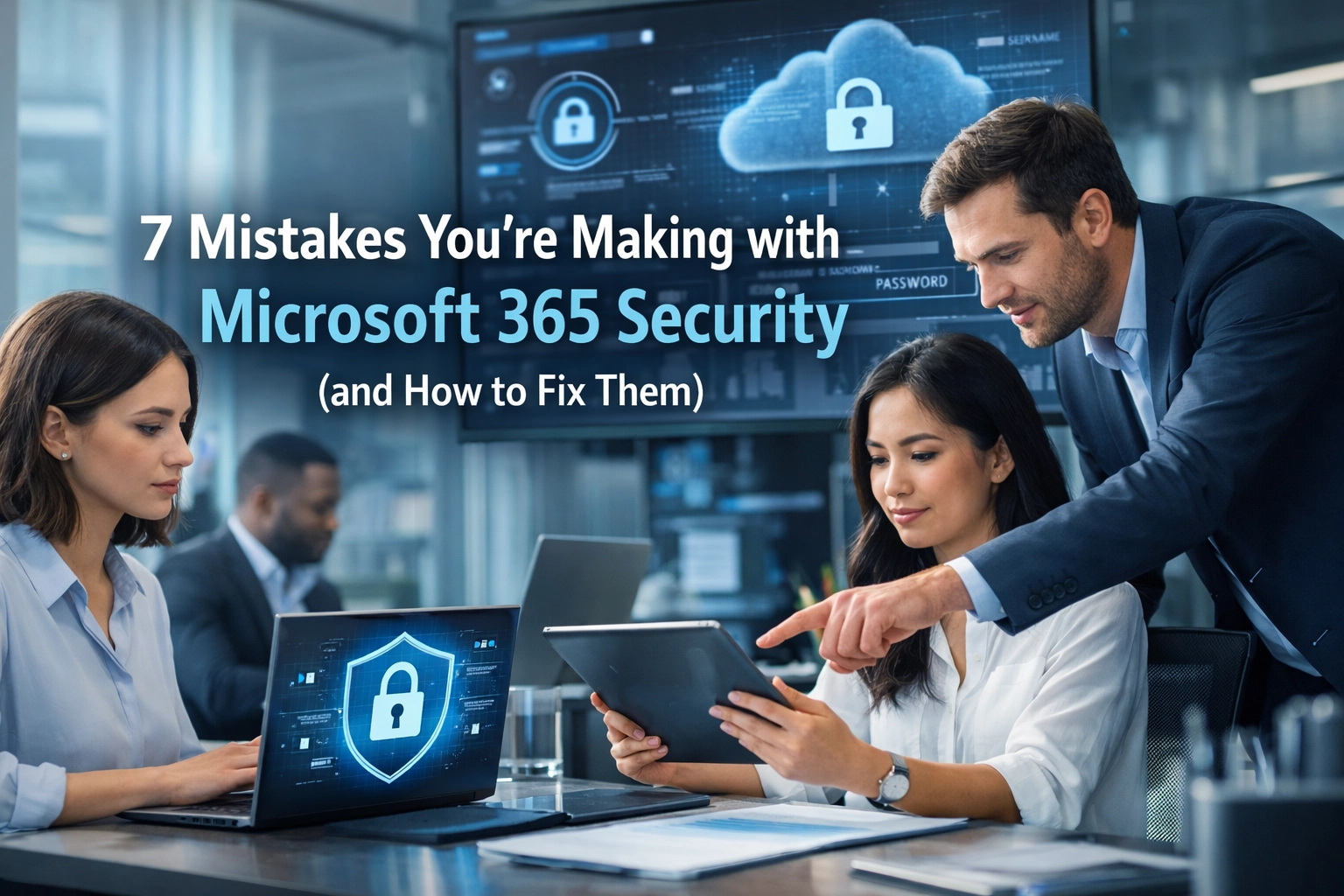
Here are the seven most common mistakes we see and, more importantly, the step-by-step fixes to get your security back on track.
1. Treating Microsoft 365 as a "Set-and-Forget" Product
Many business owners and school administrators think that once the mailboxes are migrated and the "Save" button is clicked, the job is done. This is the biggest mistake you can make.
Security isn't a destination; it's a process. As you hire new staff, move into new office fit-outs, or integrate new software, your "attack surface" changes. Default settings are a baseline, but they don't account for the specific risks of your industry.
The Fix: Conduct a Monthly Security Audit
You don’t need to be a global IT expert to do a basic check.
- Check your Secure Score: Log into the Microsoft 365 Admin Center, navigate to Security, and look for Microsoft Secure Score. It gives you a percentage and a list of recommended actions.
- Review Active Users: Are there former employees who still have active accounts? Disable them immediately.
- Proactive Maintenance: For a truly "Tech That Lasts" approach, consider a proactive maintenance plan where these checks are handled for you.
2. Not Using Multi-Factor Authentication (MFA) Properly
We see this everywhere. A manager finds MFA "annoying," so they turn it off for themselves. Or, a company only enables it for the IT team.
Microsoft 365 credentials are the "Holy Grail" for hackers. If they get your password, they have your email, your files, and your identity. Microsoft’s own data shows that 99.9% of account compromise attacks can be blocked by simply having MFA enabled.
The Fix: Mandatory MFA for Everyone
Don’t make it optional.
- Enable Security Defaults: If you are a small SME, go to the Azure Active Directory (now Microsoft Entra ID) properties and turn on Security Defaults. This enforces MFA for everyone.
- Use the Authenticator App: Stop using SMS codes. They can be intercepted via "SIM swapping." Use the Microsoft Authenticator App for push notifications: it’s faster and much more secure.
- Conditional Access: For larger organizations or schools, use Conditional Access policies to require MFA only when someone is logging in from outside the office or from a new device.

3. Using Your Daily Account as a Global Administrator
This is a classic "convenience trap." You give yourself Global Admin rights so you can quickly change a setting or add a user whenever you need to. But if you click a malicious link in a phishing email while logged in as a Global Admin, the attacker doesn't just get your emails: they get the keys to your entire kingdom.
The Fix: The Two-Account Rule
Every person who needs admin rights should have two separate accounts.
- Daily Account:
yogi@company.com– This is for email, Teams, and daily work. It has NO admin privileges. - Admin Account:
admin.yogi@company.com– This is used only when you need to make changes in the Admin Center. - Emergency "Break Glass" Account: Ensure you have one cloud-only admin account that is not synced from your local server, just in case your main identity system fails.
4. Overlooking Privileged Roles (The "Too Many Cooks" Problem)
In schools and fit-out companies, we often find that five or six people have Global Admin rights "just in case." This is a massive security risk. If any one of those six people is compromised, your whole business is at risk.
The Fix: Principle of Least Privilege
You should only give people the minimum amount of access they need to do their job.
- Assign Specific Roles: Instead of Global Admin, give the HR person the User Administrator role. Give the office manager the Billing Administrator role.
- Audit Roles Regularly: Go to Roles > Role Assignments in the Admin Center. If someone hasn’t used their admin rights in 30 days, revoke them.
- Learn More: Check out our guide on cybersecurity best practices for more on role management.
5. Poorly Managed External Sharing and Guest Access
One of the best things about M365 is how easy it is to share a document with a vendor or a "trusted electrical partner" on a construction site. But often, those links stay active forever.
We’ve seen cases where sensitive floor plans for luxury retail fit-outs (like the high-security environments we build for AP and ALS) were accessible via a "public link" months after the project was finished.
The Fix: Tighten the Reins on SharePoint and OneDrive
- Disable "Anyone" Links: In the SharePoint Admin Center, set the default sharing type to "People in your organization" or "Existing guests." Never allow anonymous "Anyone" links unless absolutely necessary.
- Set Expiry Dates: Force all external sharing links to expire after 14 or 30 days.
- Review Guest Access: Every quarter, go to the Azure Portal and review your guest users. If the project is over, delete the guest account.

6. Failing to Control Third-Party App Permissions
Have you ever seen a pop-up saying, "This app would like to access your calendar and contacts," and just clicked "Accept"? That’s an OAuth permission grant.
Many employees inadvertently grant "Shadow IT" apps the right to read their emails or download their files. Attackers are now using "Consent Phishing," where they don't want your password: they just want you to click "Accept" on a fake app.
The Fix: Lock Down App Integration
- Disable User Consent: In the Admin Center, change settings so that users cannot grant permissions to apps accessing company data without an admin's approval.
- The "Admin Consent" Workflow: Set up a process where, if a teacher or staff member wants a new app, they have to click "Request Approval." You can then vet the app before letting it into your environment.
- Review Current Apps: Go to Enterprise Applications in the Azure/Entra portal and see what already has access. You might be surprised by what you find.
7. Ignoring Staff Training (The Human Firewall)
You can have the best structured cabling, the fastest Wi-Fi installs, and the most expensive firewalls, but if a staff member types their password into a fake "Microsoft login" page, the tech can’t save you.
Phishing is still the #1 way hackers get into M365 environments. For schools and retail environments, where staff are often busy and distracted, this is a major vulnerability.
The Fix: Continuous Education
- Simulated Phishing: Use tools to send "fake" phishing emails to your team. It’s not about catching them out; it’s about teaching them what to look for.
- Monthly Tips: Share quick security tips (like this blog!) with your team.
- Security Culture: Make it easy for staff to report a suspicious email. If they feel they will get in trouble for clicking a link, they might try to hide it: which gives the attacker more time to do damage.

Why This Matters for Your Infrastructure
At Anantek, we focus on connectivity and hardware and software that lasts. But physical infrastructure is only as good as the digital security protecting it.
When we handle a high-end retail fit-out, we aren't just thinking about where the cables go; we're thinking about how the CCTV and access control systems integrate with your network. If your M365 environment is compromised, your connected security systems could be next.

How Anantek Can Help
Fixing these seven mistakes is a great start, but managing security in a world of ever-evolving threats is a full-time job. Whether you’re a school looking to secure student data or a fit-out company managing multi-million pound projects, you need a partner who understands that IT should just work.
We offer comprehensive cyber security and anti-virus services, alongside data backups and disaster recovery to ensure that if the worst does happen, you’re back online in minutes, not days.
Don't wait for a breach to find out your settings are wrong.
If you’re unsure about your current Microsoft 365 setup, let’s have a chat. We can run a security audit to identify these gaps and help you build that "Invisible Infrastructure" your business deserves.